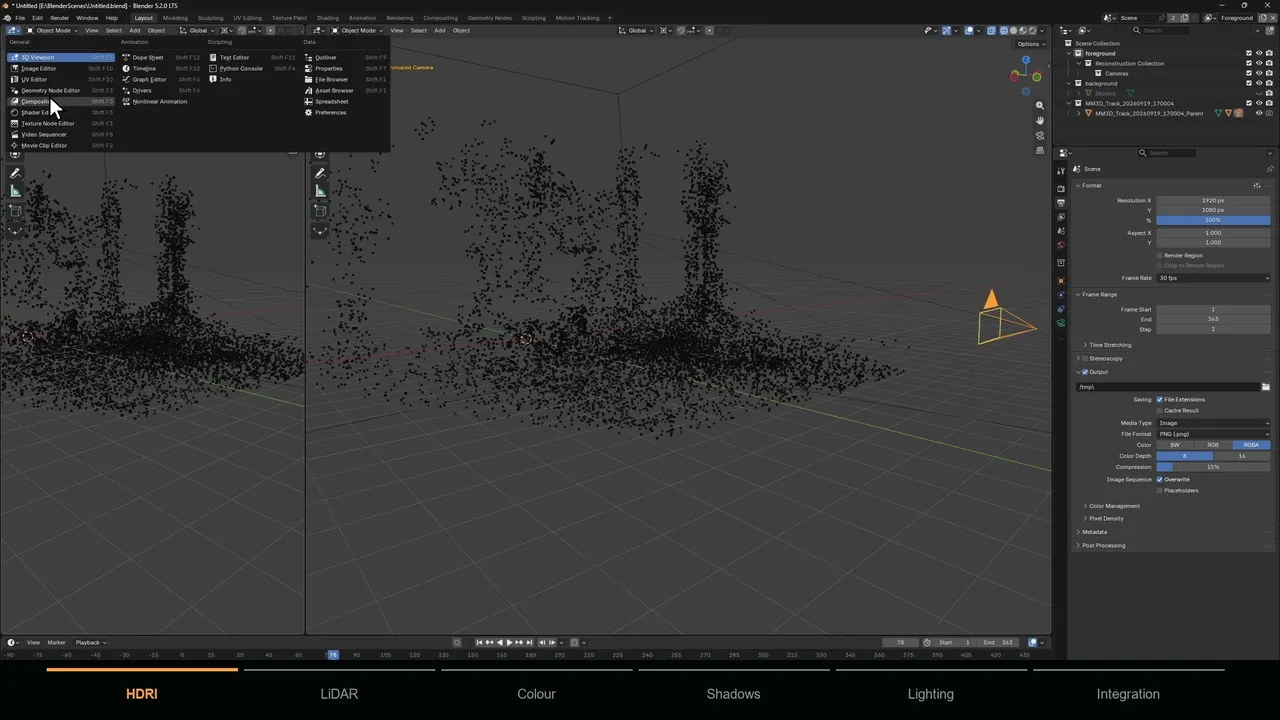
Camera tracking gives you the camera
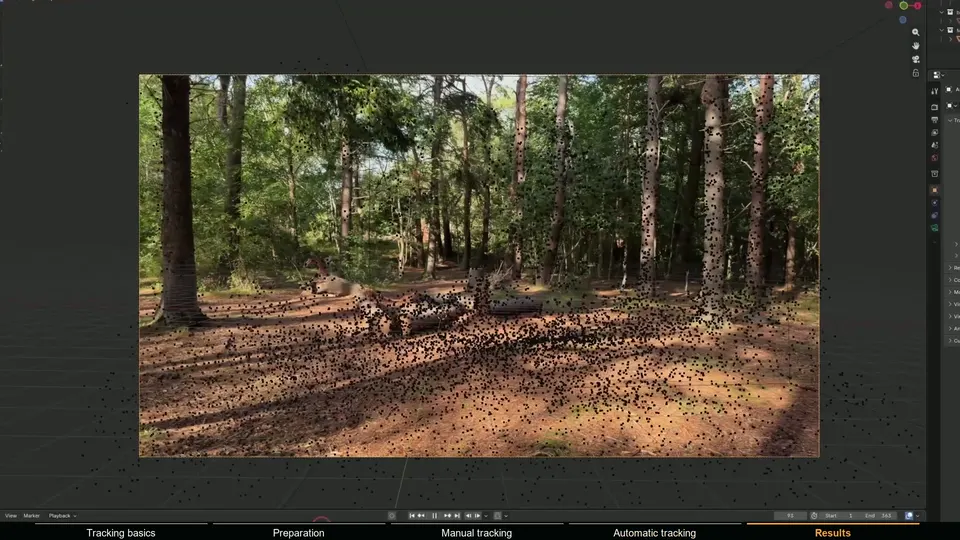
Camera tracking follows features through the footage and solves the one camera path that explains how they move. The main output is an animated camera that matches the real one. Because the solver also has to work out where each tracked feature sits in 3D, you get a sparse point cloud for free: hundreds to many thousands of points marking the features it used.
For many shots that is all you need. A spaceship flying past, a sign floating in the air or an object placed on clearly visible tracked ground points only needs a correct camera and a few reference points for scale and alignment.
3D reconstruction gives you the scene
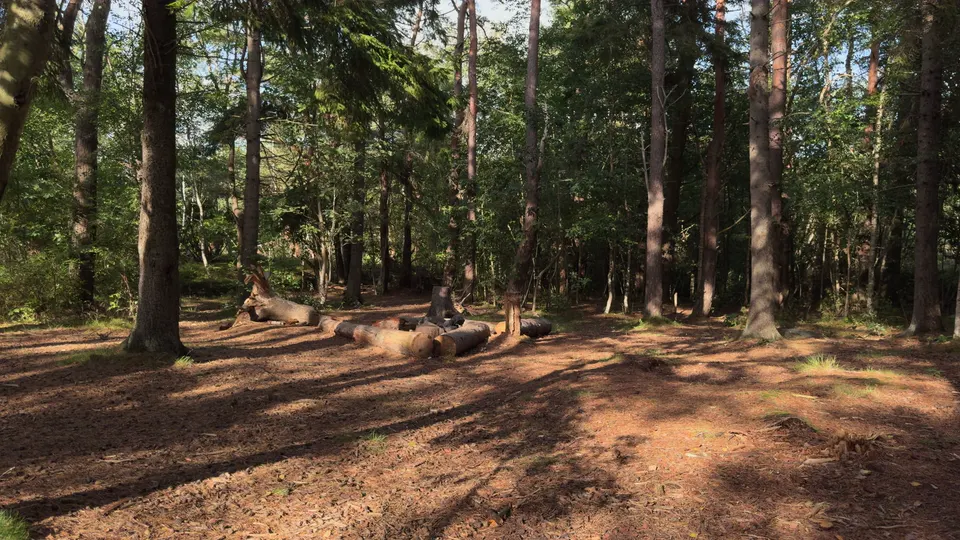
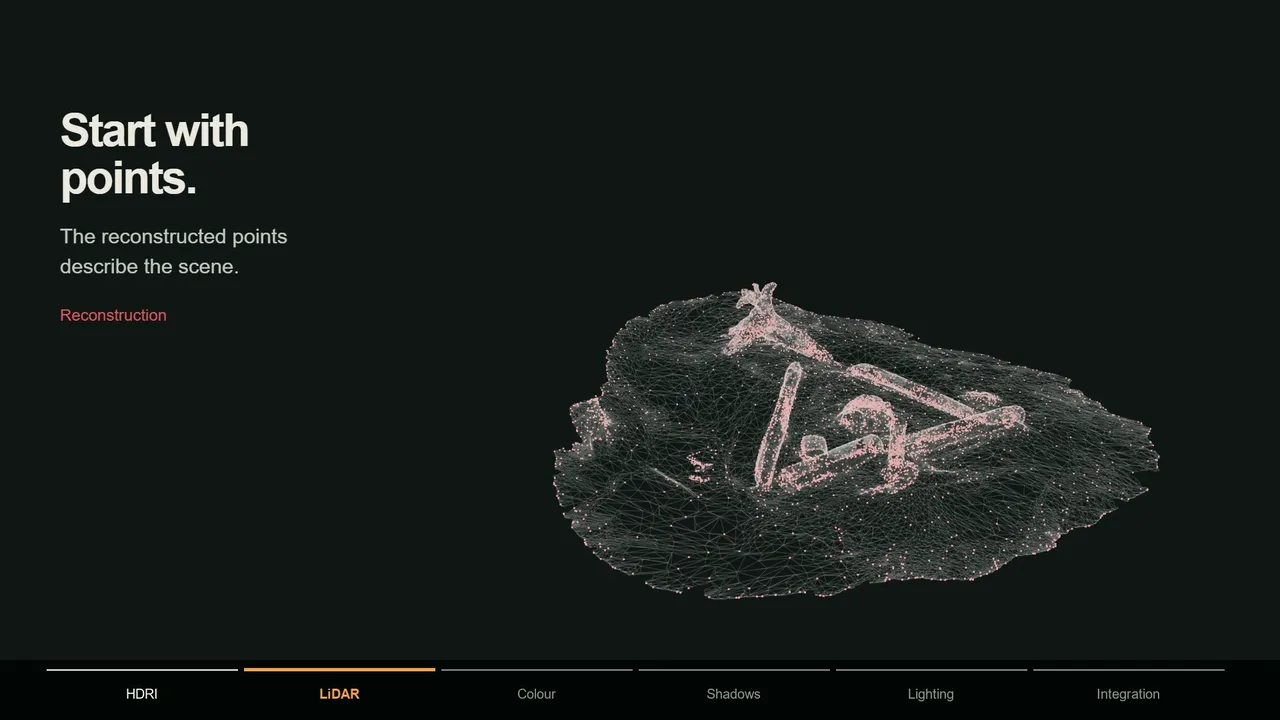
Reconstruction goes further and rebuilds the visible surfaces of the location. Starting from the solved cameras, it compares many frames to estimate depth for far more of the image, producing a dense point cloud with millions of colored points, and from that a mesh.
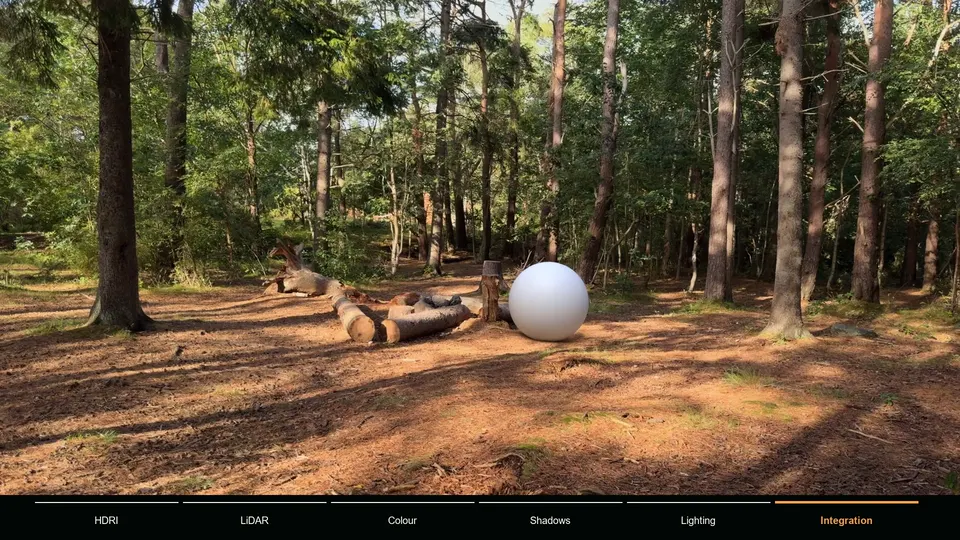
That geometry is what lets CG interact with the real world: shadows that fall over uneven ground, reflections of the real surroundings, a character that walks behind a tree, a ball that bounces off a rock, dust that settles on a log. It is also great layout reference when you need to know exactly where things are.
Sparse points, dense clouds, meshes and scans compared
| Output | What it is | Good for | In MotionMaster 3D |
|---|---|---|---|
| Sparse point cloud | Points the solver tracked and reconstructed | Scale, floor alignment, placing objects | Quick and Heavy Tracking |
| Dense point cloud | Millions of colored points from many frames | Layout, reference, judging the scene in 3D | Dense Point Clouds |
| Mesh | A surface built from the dense cloud | Shadow catchers, occlusion, proxy geometry | Mesh Generation, Low to Ultra |
| Point cloud surface | A controllable surface fitted to selected points | Floors, roads, walls, facades | Point Cloud Surface (Max) |
| Triangulated points | Exact 3D points you pick on two frames | Specific spots like a corner or a contact point | 3D Point Generator (Max) |
| LiDAR scan | A phone or scanner capture of the set | Fast, to-scale local geometry | Imported and aligned to the solve |
LiDAR scans vs reconstruction from the footage
A phone with a LiDAR sensor can scan a set in a couple of minutes. Apps like Polycam produce a textured mesh at real-world scale, which is a quick way to get accurate geometry for the area right around your effect. The phone sensor has limited range, so it captures the nearby set well and distant parts poorly.
The catch is alignment. The scan has its own position, rotation and scale, so you have to line it up with the camera solve by hand, using the tracked points as references and checking several frames.
Reconstruction from the footage works the other way around. It comes from the same solve as the camera, so it is aligned automatically, and it covers everything the camera saw, near or far. It needs texture and parallax to work, and very smooth or reflective surfaces come out noisy. In practice the two complement each other: a LiDAR scan for the small area under the effect, reconstruction for everything else.
When camera tracking alone is enough
- The CG object floats, flies or sits on clearly tracked flat ground.
- Shadows fall on a flat floor that a simple plane can stand in for.
- Nothing real needs to pass in front of the CG.
- You only need the camera for a screen replacement or a set extension far away.
When you need reconstruction
- Shadows fall across uneven ground, rocks, logs or steps.
- The object is reflective and should show the real surroundings.
- CG has to go behind real objects, so you need geometry to hold it out.
- Simulations need to collide with the real environment.
- You need accurate layout, scale or measurements of the location.
How MotionMaster 3D connects both
MotionMaster 3D treats tracking and reconstruction as one pipeline. Heavy Tracking solves the camera with a COLMAP and GLOMAP based pipeline; from the same result you can undistort the footage, generate a dense colored point cloud and build a mesh at Low to Ultra quality. Everything imports into Blender already aligned to the solved camera, and Point Cloud Cleanup and the Aligner tidy it up and put it on the floor.
The Max tier adds tools to work with that geometry directly: Point Cloud Surface for clean floors and walls, the 3D Point Generator for exact points, and Camera Footage Projection and Multi-Frame Texture Bake to put the real footage onto reconstructed surfaces. More on the reconstruction side on the 3D reconstruction and dense point clouds in Blender and point cloud generation pages, and on the engine behind it on COLMAP, GLOMAP and OpenMVS in Blender.
Both depend on the footage
Reconstruction is not a way around bad footage. Dense clouds and meshes are built on top of the camera solve, so they inherit every weakness of it, and they need even more texture and parallax than the solve itself. A tripod pan gives you a camera rotation but almost nothing to reconstruct. A walking shot with textured surfaces at several distances gives you both. See what makes footage good for camera tracking for the details.