MotionMaster 3D tutorials
Blender camera tracking tutorials
Practical guides built on real test footage: how to film shots that track, how to solve them in Blender, how to fix a bad solve, and how to make 3D objects look like they belong in the shot.
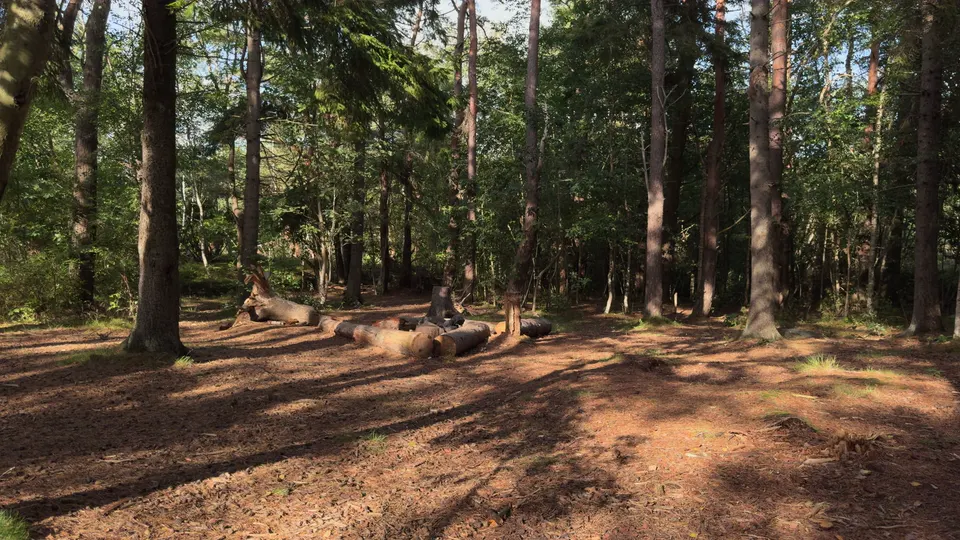 Footage guide
What Makes Footage Good for Camera Tracking? 9 Factors With Real Examples
Most camera tracks are won or lost before you open Blender. I filmed one forest location with every common mistake on purpose: motion blur, a nodal pan, a long lens, a zoom, an exposure drop, high ISO and a person walking through. Here is what each problem looks like, why it confuses a solver, and how to avoid or fix it.
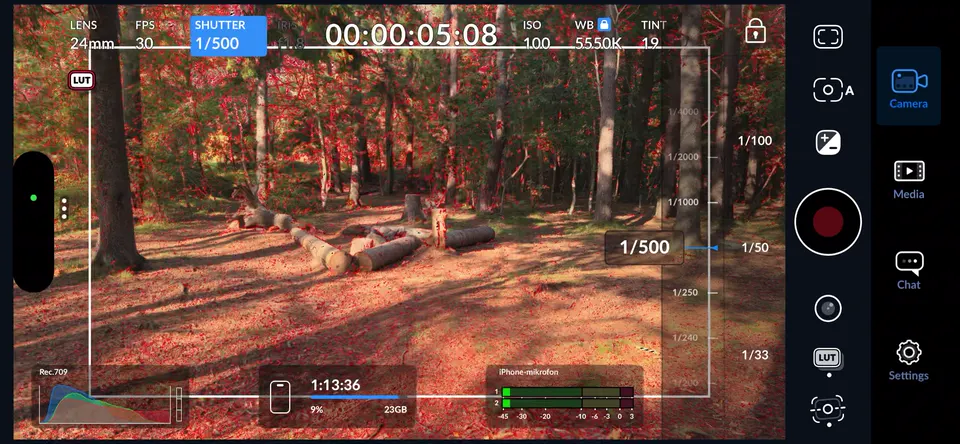 Shooting guide
How to Shoot Footage for Camera Tracking: Settings, Moves and an On-Set Checklist
These are the settings and habits I use when I film a shot I plan to track, whether on an iPhone with the Blackmagic Camera app or on any camera with manual control. They take a few minutes to set up and save hours in Blender.
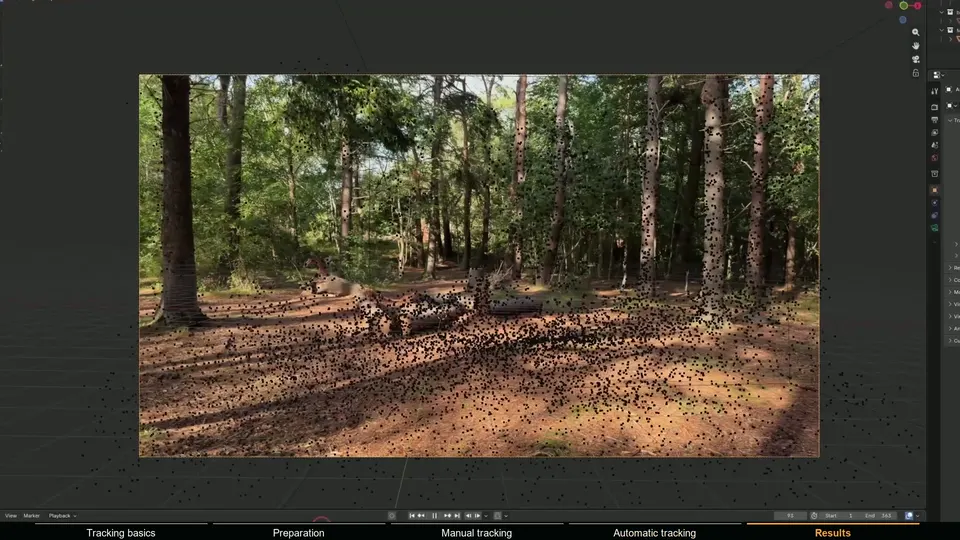 Step-by-step tutorial
How to Camera Track iPhone Footage in Blender, Step by Step
Phones make great tracking cameras if you treat them right. This walkthrough takes one handheld iPhone clip all the way to a solved, aligned camera in Blender, first with Blender's own tracker and then automatically with MotionMaster 3D, including the checks I use to know a solve is actually good.
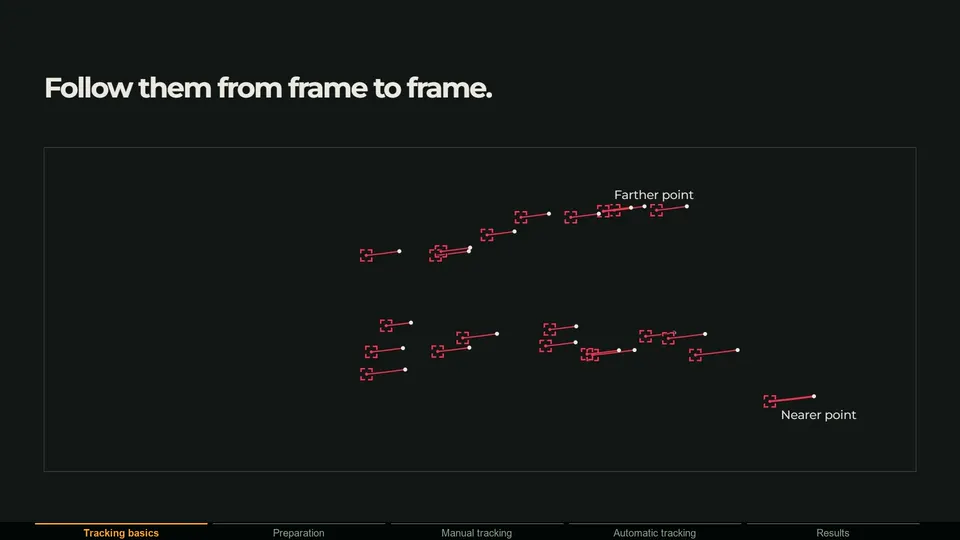 Concept guide
Camera vs Planar vs Tripod vs Object Tracking: Which One Do You Need?
Choosing the wrong kind of tracker is one of the fastest ways to waste an afternoon. A camera solver cannot handle a tripod pan, and a planar tracker does not care whether the camera moved at all. This guide explains what each method actually solves, when to use it, and which tool does it in Blender.
 Troubleshooting
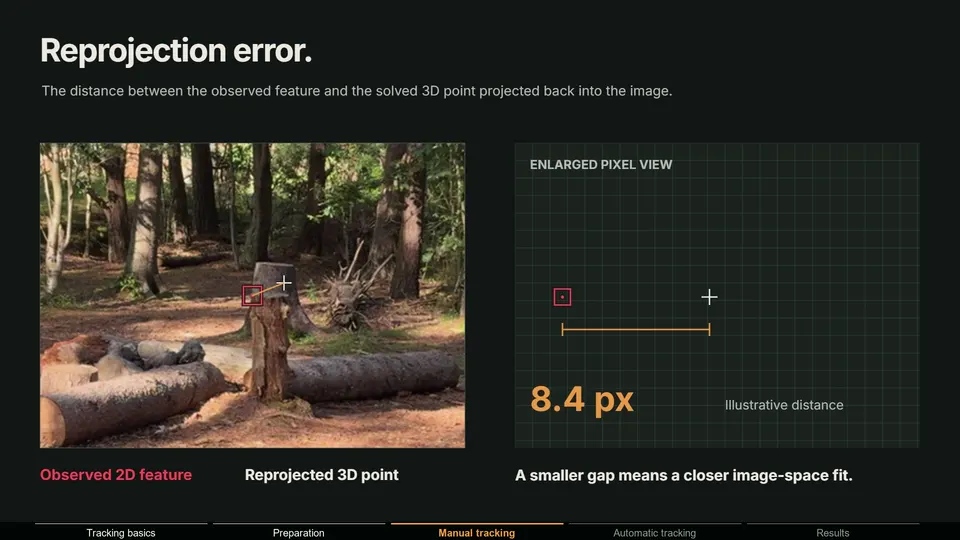
Blender Camera Tracking Solve Error Too High? How to Fix It
You click Solve Camera Motion and Blender reports a solve error of 4.7 px. Or the number looks fine, but your 3D object still slides. This guide explains what the solve error measures, what a good value is, and the fixes that bring it down, in the order I would try them.
 Compositing tutorial
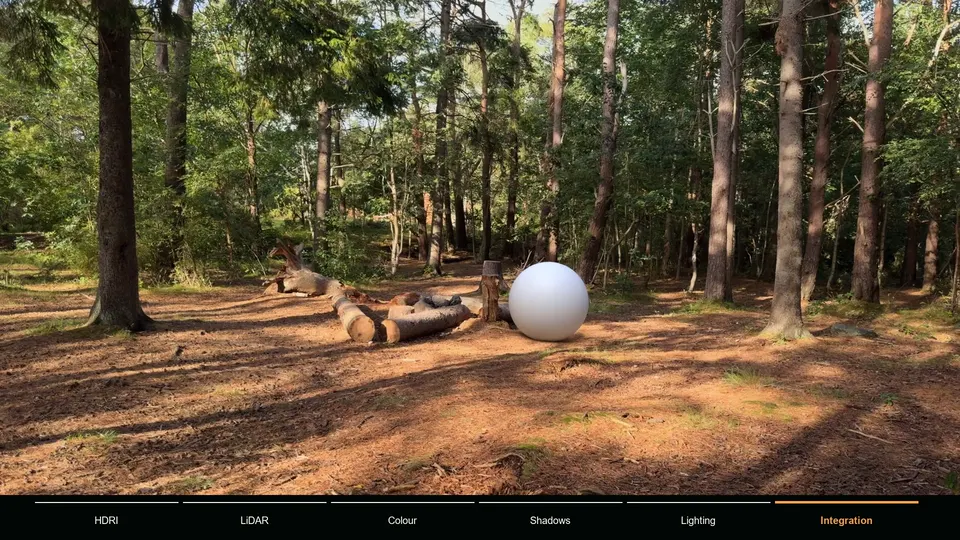
How to Add 3D Objects to Tracked Footage in Blender (HDRI, LiDAR and Shadow Catcher)
A good camera track makes a 3D object move correctly. It does not make it look like it belongs. For that you need matching light, reflections, contact shadows and color. This is the integration workflow from my tutorial, step by step, using an HDRI and a phone LiDAR scan captured on location.
- Buying guide
Best Camera Tracking Addons for Blender in 2026: An Honest Comparison
I build one of the addons on this list, so I am not neutral. To keep this useful anyway, every price and feature below comes from each tool's own store or project page, checked on October 2, 2026, and every tool gets an honest 'best for' instead of a ranking that conveniently puts mine first at everything.
 Troubleshooting
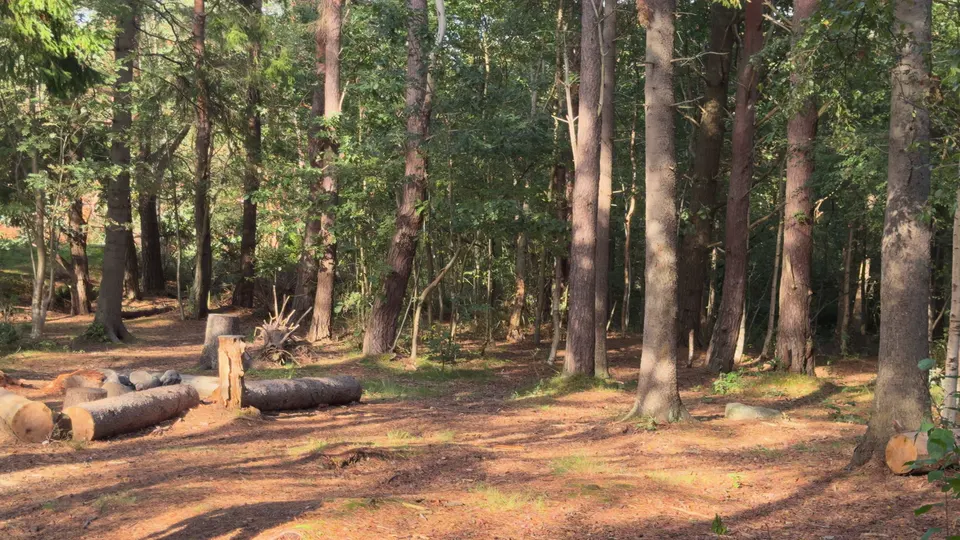
Why Moving Objects Break Camera Tracks (and How to Fix Them)
A person walks through your shot, and suddenly a solve that should be easy slides, jitters or flips. It is one of the most common reasons a camera track fails, and one of the easiest to fix once you understand what the solver is assuming.
 Mask workflow
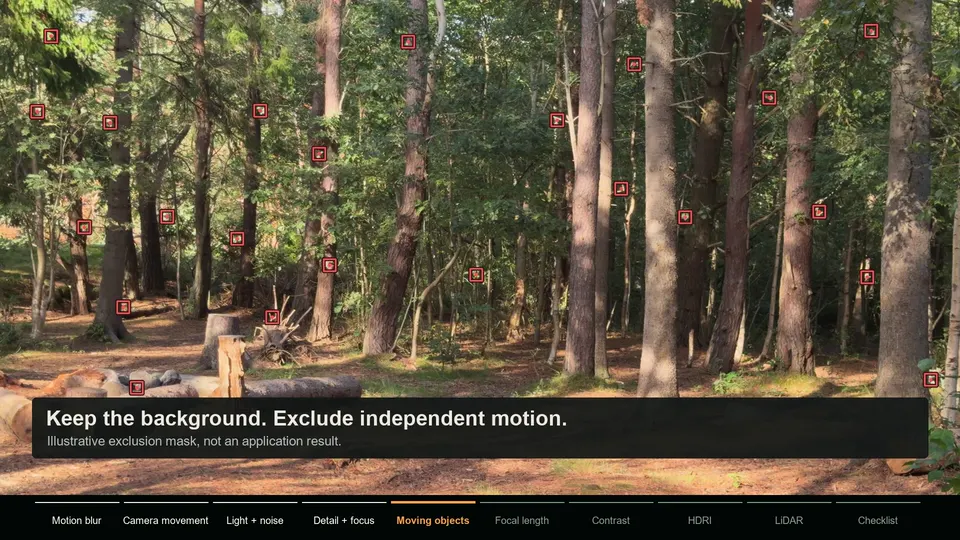
How Masks Improve Camera Tracking: AI and Polygon Masks Explained
A tracking mask tells the solver which parts of the image to trust. Used well, it turns a shot with people, cars or swaying trees from unsolvable into routine. Here is how tracking masks work, when you need one, and how I build them in Blender with AI and polygon masks.
 Concept guide
Camera Tracking vs 3D Reconstruction: What You Get and When You Need It
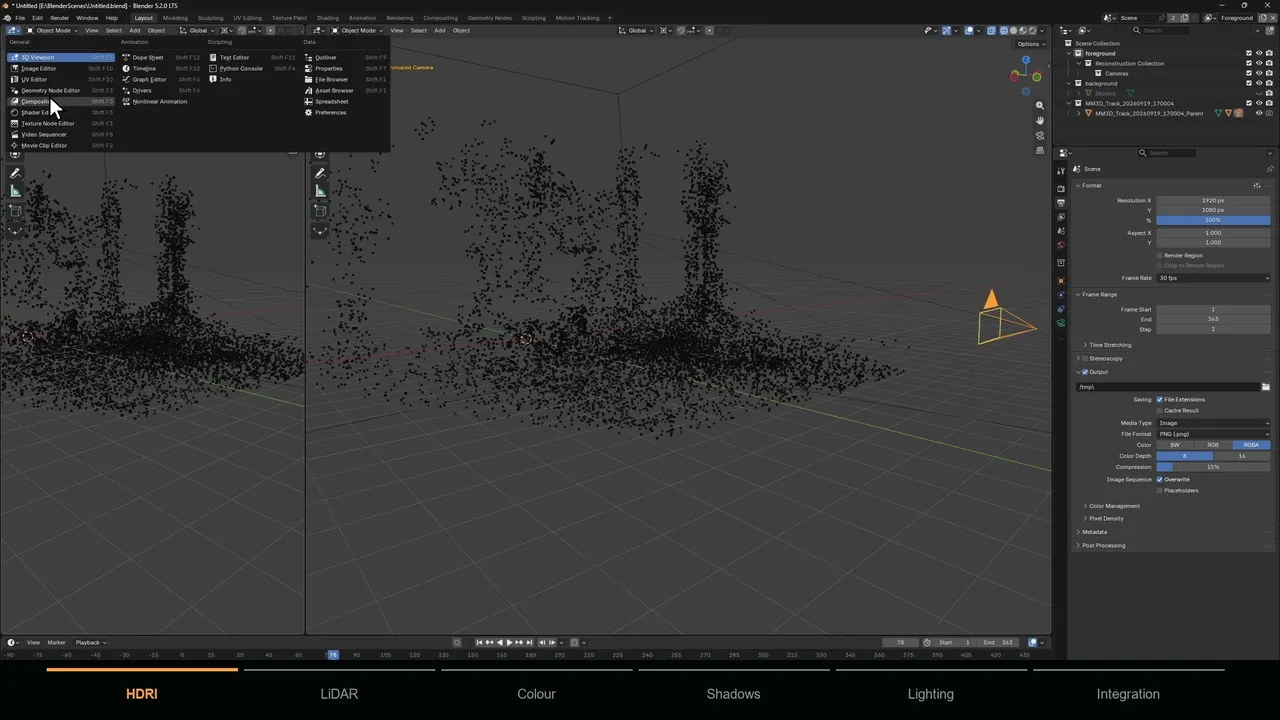
Camera tracking and 3D reconstruction come from the same math and are often mixed up. One gives you the camera, the other gives you the scene. Knowing which one a shot needs saves hours of processing, and knowing how they work together is what makes CG sit convincingly in real footage.