Why lens distortion breaks camera tracking
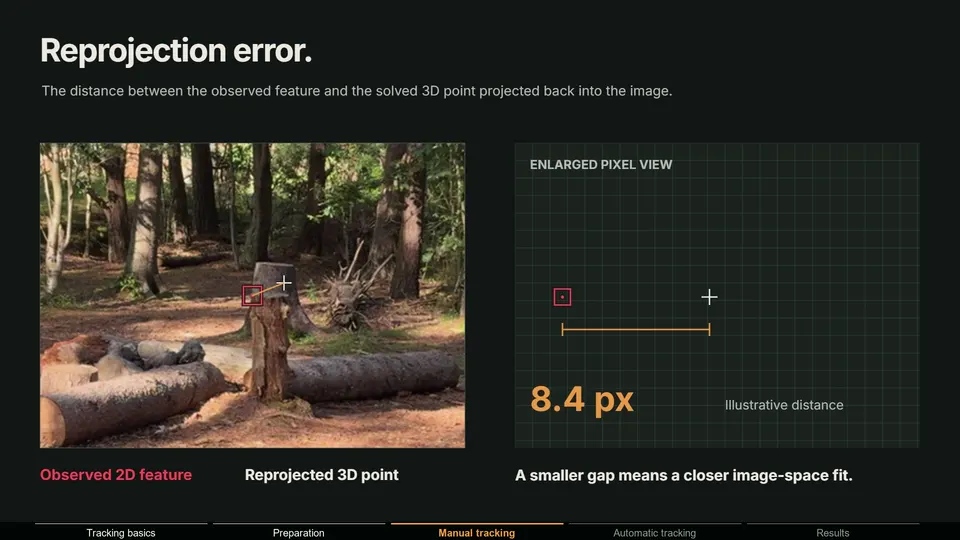
A camera solver predicts where each tracked feature should appear in every frame. If it assumes a pinhole lens and the real lens bends the image, features near the edges never land where expected. Their error stays high however clean the tracks are, and the solver compensates with the focal length or the camera path.
Wide lenses, phones and action cameras are the usual suspects. Long lenses often have so little distortion that you can ignore it.
Why your render does not line up at the edges
Even with a perfect solve, the plate went through real glass and the render came from Blender's pinhole camera. In the center of the frame they agree. Toward the edges they drift apart, so an object locked to the ground mid-frame starts to slide as the camera move carries it toward a corner.
There are two ways to make them match, and you pick based on what you deliver:
| Workflow | What you do | Good for | Watch out for |
|---|---|---|---|
| Undistort the plate | Remove the distortion from the footage, render CG with the normal camera | Tracking, layout, projection, quick comps | The delivered shot is no longer the original framing |
| Redistort the render | Keep the plate untouched, add the lens distortion to the CG | Final comps that must match the original plate | Barrel lenses need overscan, or the CG corners come out empty |
Which lens distortion models does Blender have?
The lens lives in the Movie Clip Editor: open the sidebar with N, go to the Track tab, and expand Camera and then Lens. There you set the focal length (in pixels or millimeters with Units), the Optical Center and the Lens Distortion model. The Blender manual lists four:
| Model | Coefficients | Use it for |
|---|---|---|
| Polynomial (default) | K1, K2, K3 | Most normal lenses. Radial distortion only |
| Divisions | K1, K2 | Strong distortion; the manual recommends it for fisheye-like lenses |
| Nuke | K1, K2 | Matching the distortion model used by Nuke |
| Brown | K1 to K4, P1, P2 | Radial plus tangential distortion, for example a decentered lens |
K terms are radial and bend lines symmetrically around the optical center. P terms are tangential and handle a lens that is not perfectly centered. From other tools, only simple radial terms copy across reliably: a COLMAP SIMPLE_RADIAL or RADIAL lens maps to K1 and K2 of the Polynomial model when focal length and resolution match. For anything else, see COLMAP camera models explained.
How to solve lens distortion in Blender
- 1 Start from real camera data
Enter the sensor width and focal length if you know them. The solver refines values; it cannot invent them.
- 2 Get a reasonable solve first
Track and solve without refining anything, and remove bad tracks until the solve is stable.
- 3 Pick the model
Leave Polynomial for most lenses. Switch to Brown if you need tangential terms, or Divisions for very strong distortion.
- 4 Refine
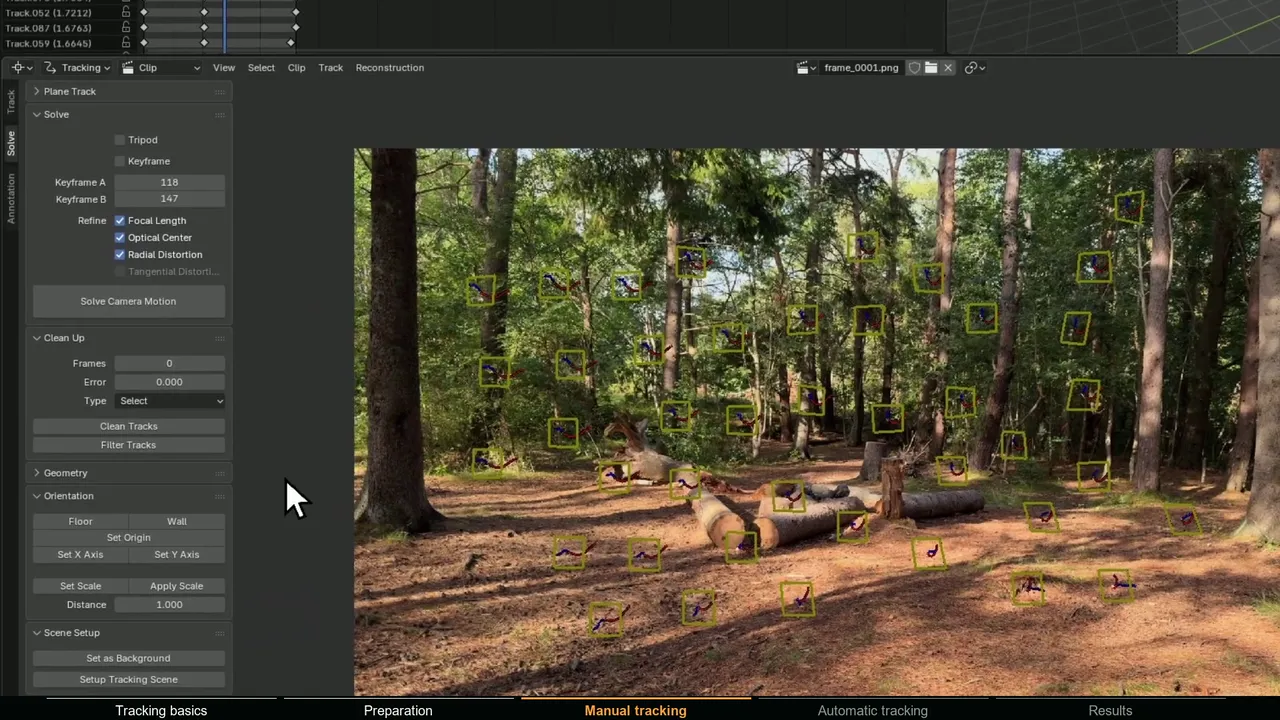
In the Solve panel of the toolbar, enable Refine for Focal Length and Radial Distortion, then solve again. Tangential Distortion is only available with the Brown model. The manual warns that refinement needs approximately correct starting values.
- 5 Check it visually
Turn on Distortion Grid under the Clip Editor overlays (Guides) and Render Undistorted in the Clip Display options. Straight edges in the scene, like door frames, logs or horizons, should look straight in the undistorted view.
How to undistort footage with the Movie Distortion node
The Movie Distortion node applies the lens settings of a movie clip in the compositor. It has an Image input, a Type menu with Undistort and Distort, and a Movie Clip selector that tells it which clip's lens to use.
The quickest working setup is Clip > Setup Tracking Scene in the Movie Clip Editor. In Blender 5.0 its compositor tree sends the Movie Clip through a Movie Distortion node set to Undistort, scales it to the render size and lays the render layers over it: the plate is straightened to match Blender's camera.
By hand: connect a Movie Clip node to a Movie Distortion node set to Undistort, using the same clip in both, and lay your render layers over it with an Alpha Over node.
How to add lens distortion to a render
For a final comp that keeps the original plate, flip it around. Leave the Movie Clip as it is, send the Render Layers image through Movie Distortion set to Distort, and lay the distorted CG over the untouched plate.
Wide lenses usually have barrel distortion. Redistorting a render for a barrel lens pulls each corner pixel from outside the rendered frame, so without extra pixels the CG ends with empty corners. The fix is overscan: render a slightly larger image that covers the same pixels plus a margin. In Blender, raise the resolution and the camera's sensor width by the same percentage and keep the focal length. A 1920 by 1080 render with a 36 mm sensor becomes 2112 by 1188 with a 39.6 mm sensor at 10 percent overscan; the center of the frame is unchanged.
What is an STMap?
An STMap is an image that stores a distortion instead of a picture. The red channel of every pixel holds a horizontal coordinate and the green channel a vertical one, both normalized from 0 to 1: the position this output pixel should sample from the source. In the Nuke convention, documented on Foundry's STMap node page, (0, 0) is the bottom-left corner and (1, 1) the top-right. STMaps are saved as 32-bit float EXR files so the coordinates keep sub-pixel precision.
Lens work uses them in pairs: the undistort map straightens the plate, the redistort map puts the lens back into straight CG. Because an STMap is just a lookup table, it works for any lens model, including fisheye and thin-prism models no compositor has a node for.
In Nuke, connect the image to the src input of an STMap node, the map to stmap, and set the UV channels to red and green.
How to use an STMap in Blender's compositor
Blender has no STMap node, but the Map UV node does the same job. It samples an image at the UV coordinates you give it, and it uses the Z component of those coordinates as alpha. STMaps usually leave the blue channel at 0, which would make the result fully transparent, so set Z to 1 yourself:
- 1 Load the map
Add an Image node with the STMap EXR and set its color space to Non-Color, so color management does not change the coordinates.
- 2 Build the UV vector
Connect it to a Separate Color node, then plug Red into X and Green into Y of a Combine XYZ node. Set Z to 1.
- 3 Sample the image
Add a Map UV node. Connect the plate (for an undistort map) or the render (for a redistort map) to Image, and the Combine XYZ output to UV. Under Sampling, Bicubic interpolation keeps more detail than the default Bilinear.
- 4 Compare
Use the map at the resolution it was made for, and check straight lines and frame edges before rendering.
How to render fisheye images in Blender
Tracking fisheye footage needs a fisheye-capable solve. Blender's Divisions model handles strong distortion, but very wide fisheye lenses are better solved with a dedicated fisheye model such as COLMAP's OPENCV_FISHEYE. Rendering matching CG is a separate question, and Blender answers it with the Panoramic camera types in Cycles:
- Fisheye Equisolid: the manual says this one best matches real cameras. It uses focal length, field of view and sensor size.
- Fisheye Equidistant: a circular fisheye that ignores the sensor size. Good for domes, but not a real lens.
- Fisheye Lens Polynomial: maps the distance r from the sensor center (in mm) to the ray angle with
theta = k0 + k1 r + k2 r² + k3 r³ + k4 r⁴. Fit the coefficients to a calibration to mimic a real lens. - Equirectangular, Equiangular Cubemap Face, Mirror Ball and Central Cylindrical cover 360 degree and other panoramic outputs.
Panoramic cameras are Cycles only and, per the manual, only show in rendered views, not Solid mode. Blender 5.1+ also has a Custom lens type in Cycles, where an OSL camera shader defines each ray, so you can implement an exact lens model. For EEVEE, render a perspective camera with overscan and redistort it with an STMap.
Why is my solved focal length absurd?
A solved focal length of 3 mm or 400 mm on a 35 mm lens is a common complaint, and it usually has one of these causes:
- Wrong sensor width. The solver works in pixels. The millimeter value is
focal px × sensor width / image width, so a wrong sensor width changes the number without changing the solve. 1,600 px on a 1,920 px wide frame is 30 mm with a 36 mm sensor width and about 5.3 mm with a 6.4 mm one. - Unsolved distortion. The solver adjusts the focal length to absorb part of the bend.
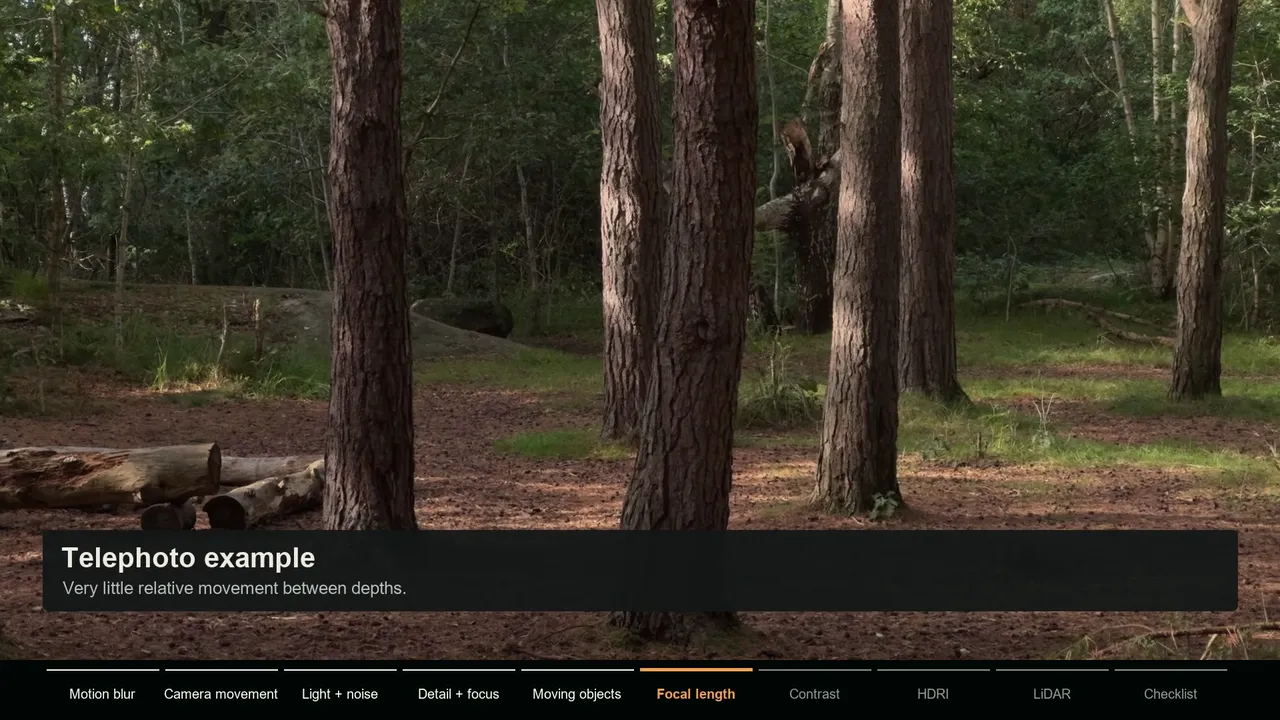
- Too little parallax. With telephoto shots and slow moves, many focal lengths explain the tracks almost equally well.
- A zoom. Blender solves one focal length per clip, so a zoom has no correct single value.
- Refining from a bad guess. The manual says refinement needs approximately right starting values.
Enter real lens and sensor values when you have them, lock the focal length on low-parallax shots, and use a solver that supports a changing focal length for zooms.
Lens calibration and STMaps in MotionMaster 3D
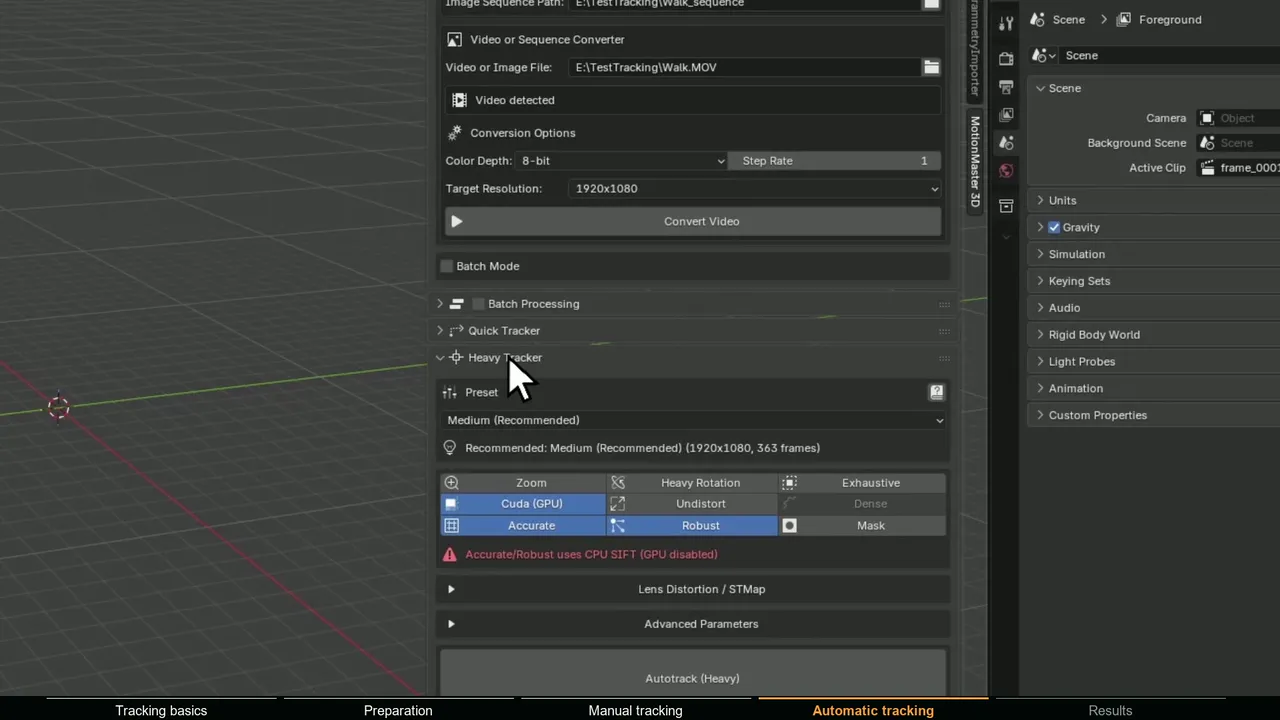
MotionMaster 3D solves the lens together with the camera during Heavy Tracking, using COLMAP. With the Max tier, the Lens Distortion / STMap section lets you choose one of 12 COLMAP camera models, from Simple Pinhole to fisheye and thin-prism models, or enter a known calibration. After the solve, Export Calibration writes the exact model and parameters to lens_calibration.json, and Export STMaps writes undistort_stmap.exr, redistort_stmap.exr and a manifest.
The maps are 32-bit float with normalized bottom-left coordinates, red as U and green as V, so they work with the Map UV setup above and in Nuke or Fusion. When the run has a COLMAP undistorted workspace, its camera and resolution define the undistorted side: render the CG at that resolution and the redistort map takes it back to the original plate. Otherwise the exporter warns that the maps are model-based at source resolution. Details are on lens calibration and STMaps.