SynthEyes vs PFTrack vs 3DEqualizer vs MotionMaster 3D at a glance
| Feature | SynthEyes | PFTrack | 3DEqualizer4 | MotionMaster 3D |
|---|---|---|---|---|
| Developer | Boris FX | The Pixel Farm | Science-D-Visions | MotionMaster 3D (Axel Olsson) |
| Current version | SynthEyes 2026 | PFTrack 26.08.04 (Solo 26.09.30) | 3DE4 Release 8.1 | MotionMaster 3D 1.0.8 |
| Workflow | Rooms, with automatic and supervised tracking | Node graph | Supervised tracking with deep parameter control | Blender addon with automatic Quick and Heavy Tracking panels |
| Automatic tracking | Yes, plus Mask ML for moving objects | Yes, machine learning feature matching | Autotracking engine, but built around supervised work | Yes, fully automatic; AI and polygon masks for moving objects in Max |
| Lens distortion | Radial 4th and anamorphic 6th order models, lens grids, STMap export | Anamorphic models, automatic grid calibration, two-way STMaps | Radial, anamorphic and fisheye models, distortion driven by zoom and focus | Solved with every Heavy track (Simple Radial); 12 COLMAP models, lens calibration and two-way STMaps in Max |
| Object tracking | Geometric hierarchy (GeoH) tracking | Rigid, deformable and geometry-based | Object and mocap point groups, non-rigid objects | No; masks keep moving objects out of the camera solve |
| Survey and LiDAR | Survey constraints, alignment to lidar scans | Survey Solver, LiDAR-aided solving, photogrammetry | Survey solver and constraints, lidar import script | No survey solver; dense point clouds and meshes from the footage in Max |
| Scripting | Sizzle and Python | In-graph scripting; external Python API and CLI in Studio | Python with more than 800 commands | Results are ordinary Blender objects, scriptable with Blender Python |
| Platforms | Windows, macOS, Linux | Windows, macOS, Linux | Windows, macOS (Apple silicon only), Linux | Windows (Blender 5.1 and 5.2) |
How much do SynthEyes, PFTrack, 3DEqualizer and MotionMaster 3D cost?
| License | SynthEyes | PFTrack | 3DEqualizer4 | MotionMaster 3D |
|---|---|---|---|---|
| Short term | $62 a month | Solo: £35 a week or £165 for 30 days. Studio: rent-to-buy from £59 a week | 65 EUR a week, 197 EUR for one month | None, one-time purchase only |
| Yearly | $325 a year | No annual plan listed | 1,704 EUR prepaid, or 146 EUR a month for 12 months | None |
| Perpetual | $655, with 1 year of upgrades and support | Solo £899 (one computer), Studio £1,699 (floating) | 7,699 EUR, with 12 months of support | Standard $29.99, Max $59.99 (upgrade $30), Studio $299 for companies over $100,000 revenue |
| Support renewal | $215 a year | Optional ticketed support for Studio | 1,099 EUR a year | None; 1.x updates are free |
| Free option | 14-day trial | Solo Demo Mode (cannot save, export or run scripts) | Personal Learning Edition (Python disabled, no expiry) | No trial; 14-day refund if a verified software defect cannot be fixed |
For an occasional job, a week of PFTrack Solo or a month of SynthEyes is the cheapest way in. For year-round work, SynthEyes at $325 a year costs far less than the other two. PFTrack Solo has a token system: weekly and monthly purchases earn tokens, and 300 tokens convert into a permanent license. 3DEqualizer costs the most, and is priced for facilities where the hardest shots justify it. Enterprise PFTrack is priced on request.
Workflow: how each one feels to use
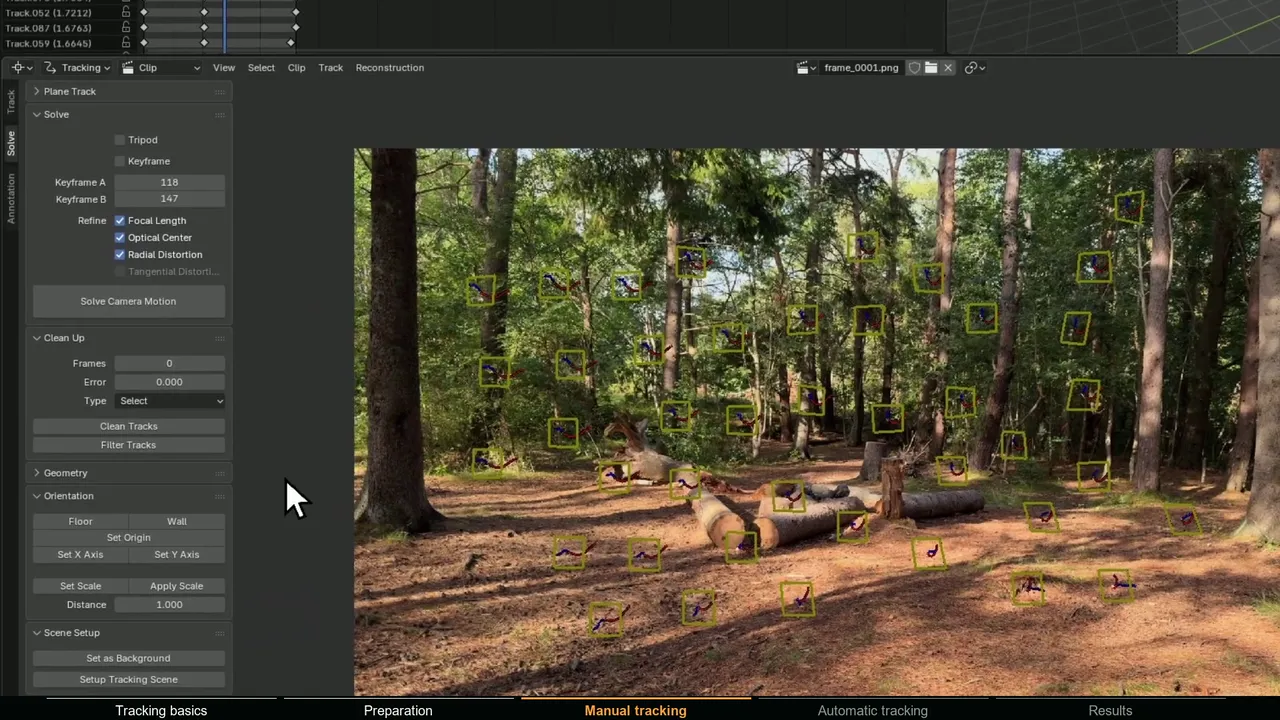
SynthEyes splits the work into rooms, such as the Tracker room for supervised tracking. A typical shot starts with the automatic tracker and a solve, then supervised trackers where the automatic ones are thin. A new user can get a camera out of the automatic route before learning the deeper tools. The interface is dense; Boris FX started modernizing it in the 2026 release.
PFTrack builds each shot as a node graph: the clip feeds tracking, lens and solver nodes, and you can branch, compare and rerun any step. The Pixel Farm points out that the graph doubles as an audit trail a supervisor can review. It takes longer to learn, and it pays off on structured, repeatable work.
3DEqualizer is built around supervised tracking and parameter optimization. You place and refine tracks, the solver weights each point frame by frame to find and discard outliers, and optimization jobs can be spread over the network. It rewards experience more than the other two.
Automatic vs supervised tracking
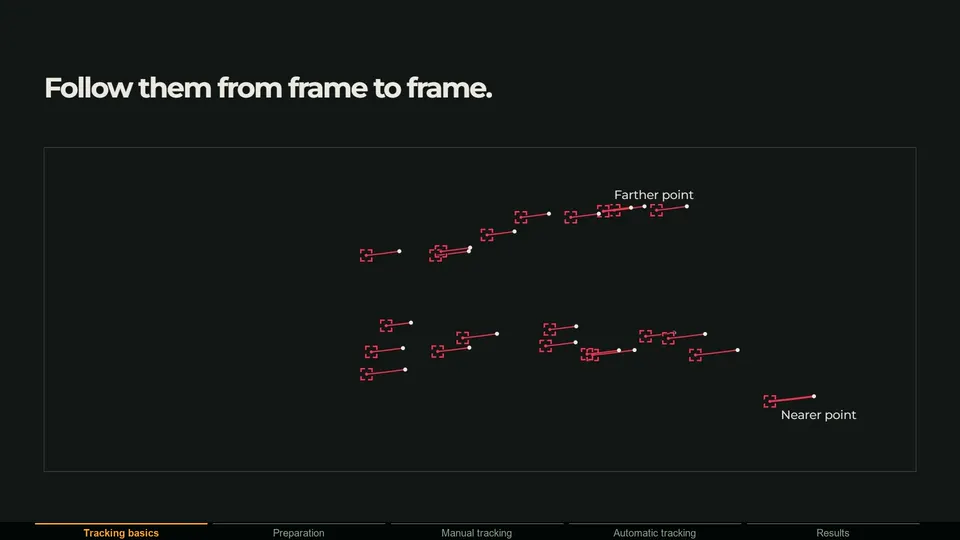
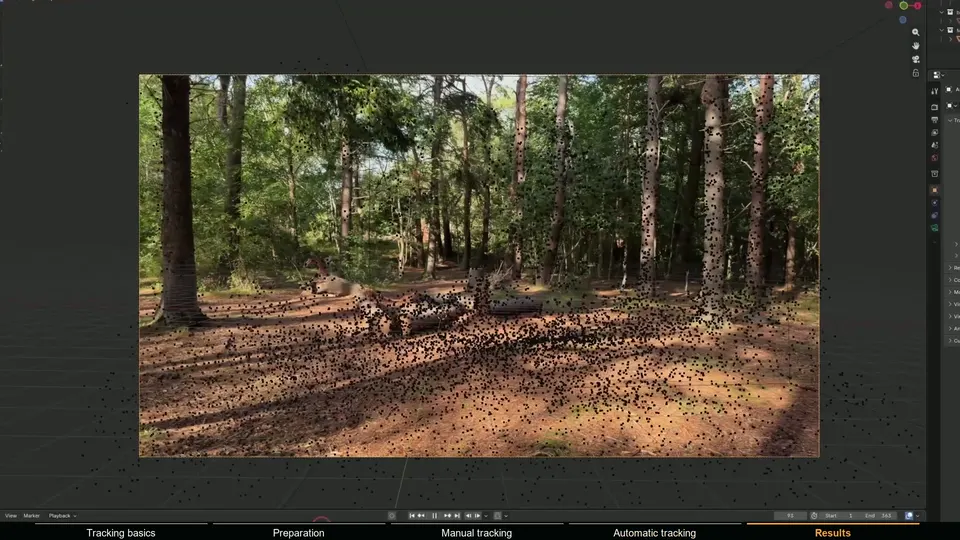
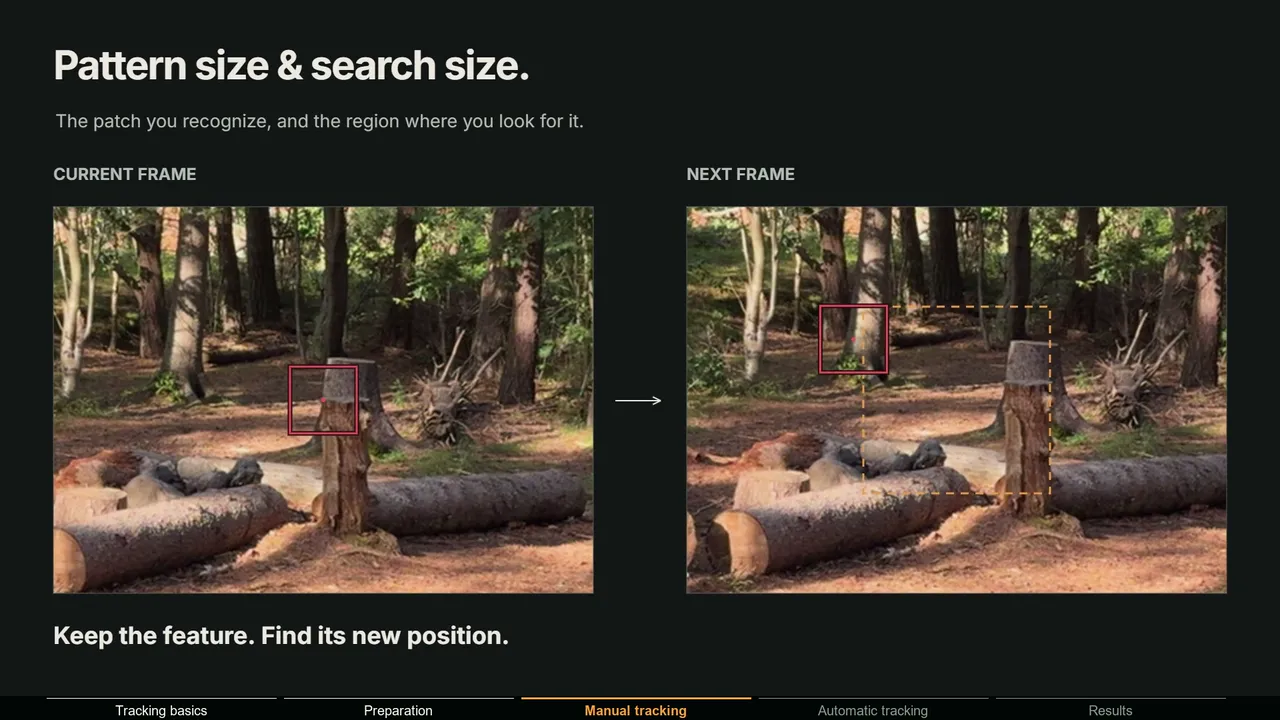
Automatic tracking detects hundreds of features and follows them without you. Supervised tracking means you pick each feature and guide the tracker. Real shots need both: automatic tracks for coverage, supervised ones where the automatic tracker fails, on reflective surfaces, heavy blur or areas with few features.
- SynthEyes pairs its automatic tracker with supervised tracking, and the 2026 Mocha Point Tracker tracks a small planar patch instead of a single point, so it holds through rotation, zoom and motion blur. Mask ML isolates moving subjects so their features stay out of the solve.
- PFTrack uses machine learning feature matching in Auto Track, which The Pixel Farm says copes better with motion blur, low contrast and partial occlusion than correlation trackers, and User Track for manual work on the hard parts.
- 3DEqualizer has an autotracking engine, but its strength is supervised tracking: pattern, marker and edge or corner tracking modes, per-point weighting and outlier detection in the solver.
How SynthEyes, PFTrack and 3DEqualizer handle lens distortion
This is where the three differ most if you shoot wide primes, zooms or anamorphic lenses.
- SynthEyes solves distortion during the solve and calibrates from lens grids, with radial 4th order and anamorphic 6th order models, animated distortion parameters, fisheye variants, grid rectification for distortion no model fits, and STMap export built into the export menu since the 2026 release (Boris FX).
- PFTrack has anamorphic models with lens presets, grid analysis that picks the best-fitting model automatically, STMap workflows in both directions, a camera sensor database, and distortion export to Nuke and Maya (The Pixel Farm).
- 3DEqualizer has the widest set: 3DE4 radial, anamorphic (degree 4 and 6) and fisheye models, distortion driven by focal length and focus distance through lookup tables, rolling shutter compensation, STMap import, a plugin interface for third-party lens models, and distortion export to Nuke, After Effects and Flame (3DE tech specs).
For spherical lenses on digital cameras, all three are more than enough. Matching anamorphic zooms with focus pulls on a feature film is 3DEqualizer's home ground. Whatever you use, the distortion has to reach the compositor; lens distortion in Blender covers the STMap side.
Object tracking, survey data and LiDAR
SynthEyes tracks moving objects and articulated rigs with geometric hierarchy (GeoH) tracking, now with Live Preview so the object updates as you adjust trackers and pivots. It can track supplied meshes directly, handles survey data with exact and distance constraints (including GPS waypoints and on-set measurements), and aligns solves to lidar scans.
PFTrack covers rigid and deformable object tracking and geometry-based tracking against a 3D model. Its Survey Solver uses measured points, and LiDAR-Aided Camera Solving imports a scan, aligns it to the camera and uses the real geometry to validate the solve. Add photogrammetry and Hero Cloud, which builds a measured point cloud from a single tracked shot, and it is the most complete of the three for rebuilding a set.
3DEqualizer works with point groups: one for the camera, object point groups for moving objects, and mocap groups for individual points, including non-rigid objects. Points can be survey-free, approximately or exactly surveyed, with distance and plane constraints, and a Python script imports raw lidar scan data.
Exporting to Blender, Maya, Nuke, Houdini and Unreal
| Target | SynthEyes | PFTrack | 3DEqualizer4 | MotionMaster 3D |
|---|---|---|---|---|
| Blender | Yes | Yes | Yes | Native: the solve lands in your scene, no export step |
| Maya | Yes | Yes | Yes | Through Blender's FBX, Alembic or USD export |
| Nuke | Yes | Yes | Yes | Camera through Blender's exporters; 32-bit STMaps in Max |
| Houdini | Yes | Yes | Yes | Through Blender's FBX, Alembic or USD export |
| Unreal Engine | Not named; exports USD | Yes | Not named; exports FBX and USD | Through Blender's FBX or USD export |
| Also named | 3ds Max, Cinema 4D, LightWave, After Effects, Fusion, Flame | Cinema 4D; USD, FBX, OBJ, Alembic and PLY files | 3ds Max, Cinema 4D, LightWave, After Effects, Fusion, Alembic, FBX, USD | Point clouds and meshes arrive as Blender objects (dense and mesh in Max) |
For Blender, all three write a scene with the animated camera and the tracked points. Two things still go wrong. Frame offsets: make sure the first frame of the exported camera lines up with the first frame of the footage in Blender. And lens distortion: Blender's camera has no distortion parameters, so the matchmove tool's lens model does not come along. Either render on an undistorted plate or redistort the CG with an STMap.
Scripting and pipeline integration
- SynthEyes: Sizzle (its own scripting language) and a Python API, Multi-Export for writing several exports in one pass, a Workflow Presets Manager for user, scene and facility presets, and Synthia, an assistant that turns plain-language requests into script commands.
- PFTrack: in-graph scripting in every edition. Studio adds command-line processing, RED and ARRI RAW debayering and an external Python API; Enterprise adds extended Python APIs, multi-site floating licenses and offline license management.
- 3DEqualizer: a Python interface with more than 800 commands, scriptable UI extensions, customizable export filter scripts, and optimization jobs distributed over the network.
Learning curve and who uses each
Of the three, SynthEyes asks the least of a new user, and Boris FX lists users from Hollywood VFX studios and indie filmmakers to virtual production, architectural visualization and research. PFTrack's node graph takes longer to learn; The Pixel Farm names DNEG, Framestore and Sony Imageworks among the studios that use it. 3DEqualizer has the steepest curve and the strongest reputation at the high end: its site says 18 of the more than 20 films that won the Academy Award for Best Visual Effects since 1998 used it as their main 3D tracking tool.
Platform support is similar, with one catch. SynthEyes and PFTrack run on Windows, macOS (Apple silicon and Intel for SynthEyes, native Apple silicon for PFTrack) and RHEL-compatible Linux. 3DEqualizer runs on Windows, Linux and Apple silicon Macs only, and its license server needs a permanent internet connection.
Looking for a boujou alternative?
boujou was a popular automatic camera tracker, first from 2d3 and then from Vicon. As far as I can verify it is no longer sold: it is not in Vicon's current software lineup, the old product page redirects to a support FAQ, and the last major release I can find is boujou 5 from 2009. If you used boujou for its automatic tracking, SynthEyes is the obvious first stop: automatic tracking first, manual tools when needed, at the lowest price of the three. PFTrack's Auto Track is the other strong option.
MotionMaster 3D: the option if you work in Blender
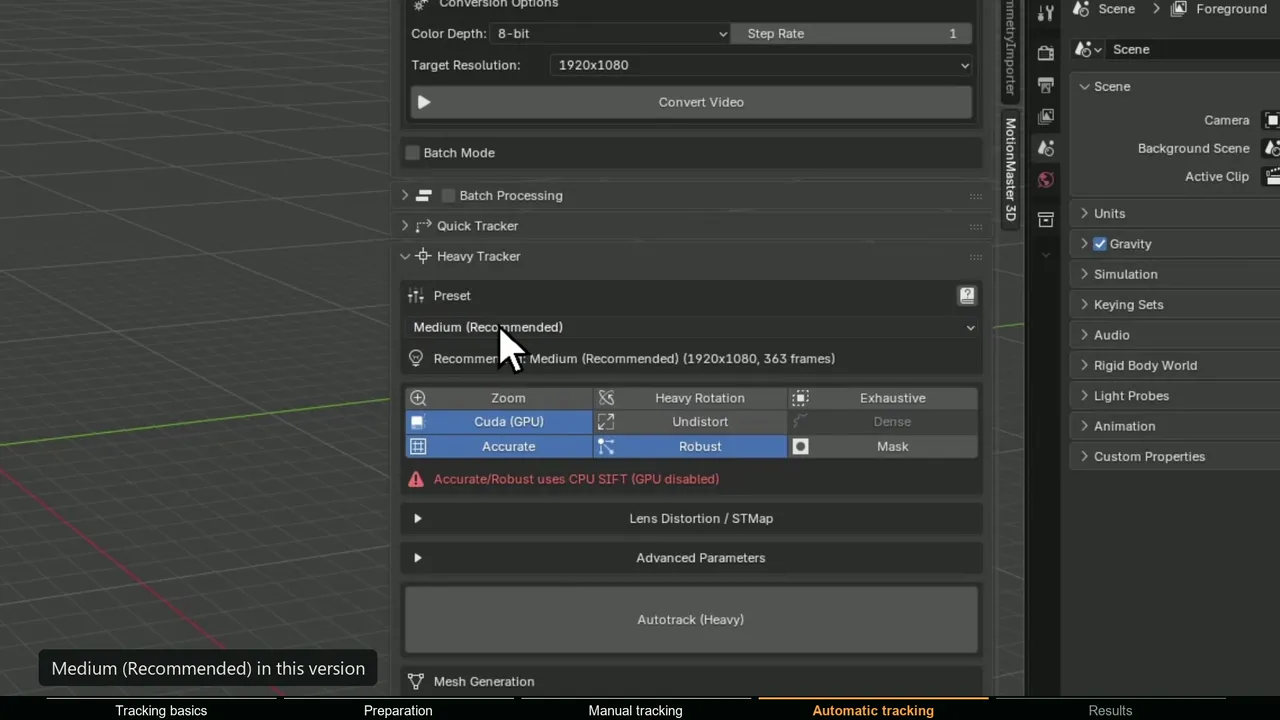
All three are excellent, and all three add a separate application and an export step to every shot. If Blender is where the shot is lit and rendered, check whether you need them at all. Blender's built-in tracker is free and solves camera, tripod and object motion. MotionMaster 3D, which I build, runs an automatic COLMAP and GLOMAP based solve inside Blender from $29.99 one-time: Heavy Tracking solves the camera and lens, handles zoom shots and imports the result on the right frames. Max ($59.99) adds AI masks for moving objects, a choice of 12 lens models with STMap export, dense point clouds, meshes and batch processing.
Where SynthEyes, PFTrack and 3DEqualizer are still the better choice:
- Object and geometry tracking. MotionMaster 3D tracks cameras only.
- Survey data and LiDAR inside the solve, which PFTrack and 3DEqualizer are built around.
- Anamorphic lenses and zoom and focus driven distortion for feature-film plates, where 3DEqualizer leads.
- macOS and Linux, and pipelines that deliver one camera to several applications.
Where MotionMaster 3D is the better choice:
- No export step. The camera, lens and points land directly in the Blender scene you render.
- Automatic by default. Typical handheld, drone and phone shots solve without a supervised tracking session.
- Price. A one-time $29.99 or $59.99 instead of $325 a year for SynthEyes or 1,704 EUR for a year of 3DEqualizer.
- Blender-side tools. Floor alignment in every tier, plus masks, dense geometry for shadows and reflections, and batch processing for multi-shot jobs in Max.
I have written sourced, side-by-side pages for each: MotionMaster 3D vs SynthEyes, MotionMaster 3D vs PFTrack and MotionMaster 3D vs 3DEqualizer. For the wider field, including After Effects, Nuke and free tools, see the best camera tracking software.
Verdict: which matchmove software should you choose?
| If you | Choose |
|---|---|
| Freelance and deliver cameras to Blender, Maya, Nuke or After Effects | SynthEyes |
| Need survey data, LiDAR or photogrammetry in the same project | PFTrack |
| Want structured, node-based work you can audit and rerun | PFTrack |
| Track anamorphic zooms and the hardest feature-film shots | 3DEqualizer4 |
| Need a tracker for one job only | PFTrack Solo for a week, or a month of SynthEyes |
| Work only in Blender | MotionMaster 3D for difficult footage, or Blender's free tracker for simple shots |
| Want a one-time price under $60 and finish shots in Blender | MotionMaster 3D |
If your shots end in Blender and you do not need object tracking or survey data, try MotionMaster 3D or Blender's free tracker before paying for a standalone matchmover. If you deliver cameras to several applications, track objects or work on macOS or Linux, one of the three is the right tool.